Two systems show different numbers
Your CRM says one thing and your accounts say another, and nobody knows which to believe.
We connect your CRM, payments, accounting, website and apps, so data moves once and lands everywhere it should.
Startiffy builds API integrations for startups and small businesses. We connect tools like HubSpot, Salesforce, Stripe, Xero, QuickBooks and Shopify, through their APIs or custom middleware, with logging, retries and alerts so nothing silently breaks. You own the code and the accounts.
Problems we solve
Your CRM says one thing and your accounts say another, and nobody knows which to believe.
Someone copies each sale across, and every typo becomes a job for month end.
Enquiries from your site, ads and chat never reach the place your team works.
You know the connection is possible. You just don't have an engineer to build it.
A connector stopped working, the vendor shrugged, and your data has been wrong since.
To answer one question about one customer, your team opens four tabs.
Every business reaches the point where a spreadsheet becomes the glue between its tools. It works until the person who maintains it goes on holiday. An integration replaces that glue with something that runs on its own and tells you when it can’t.
We begin by deciding which system owns each piece of data. Your CRM might own the customer, your accounting tool the invoice, and your store the order. Once that’s written down, most arguments about whose number is right simply stop.
The worst integration is one that breaks without telling anyone. So every connection we build logs what it did, retries when a vendor has a bad minute, and alerts your team when it needs a person. You find out from a message on your board, not from an angry customer.
Vendors change their APIs, so a connection needs looking after. That work sits inside your monthly plan, and it’s recorded in Product Memory, so the next engineer never starts from nothing.
You don’t need to connect everything at once. We pick the link that wastes the most time or causes the most errors, get it working properly, and move on from there. Your written plan sets out that order, so you always know what comes next.
What our team ships
Deals, customers and invoices stay matched, so sales and finance read the same figures.
Payments, refunds and failed cards flow through webhooks into the tools that need them.
Orders and stock move both ways, so you stop overselling and stop retyping.
Documented endpoints that let your product talk to partners and to your own tools.
Your data lands in one reporting database, ready for dashboards you can trust.
One login across your apps, with access you can switch off in one place.
How our team runs it
List the tools you use. The discovery agent notes where data gets stuck.
The roadmap agent maps each connection, what moves where, and in what order.
Engineers build against test accounts while the AI project manager tracks each link.
The QA agent sends test records through and checks they land correctly.
Watch real records move between your tools, then set next week's priorities.
Our work
Products we planned, designed and prototyped ourselves, written up as case studies.
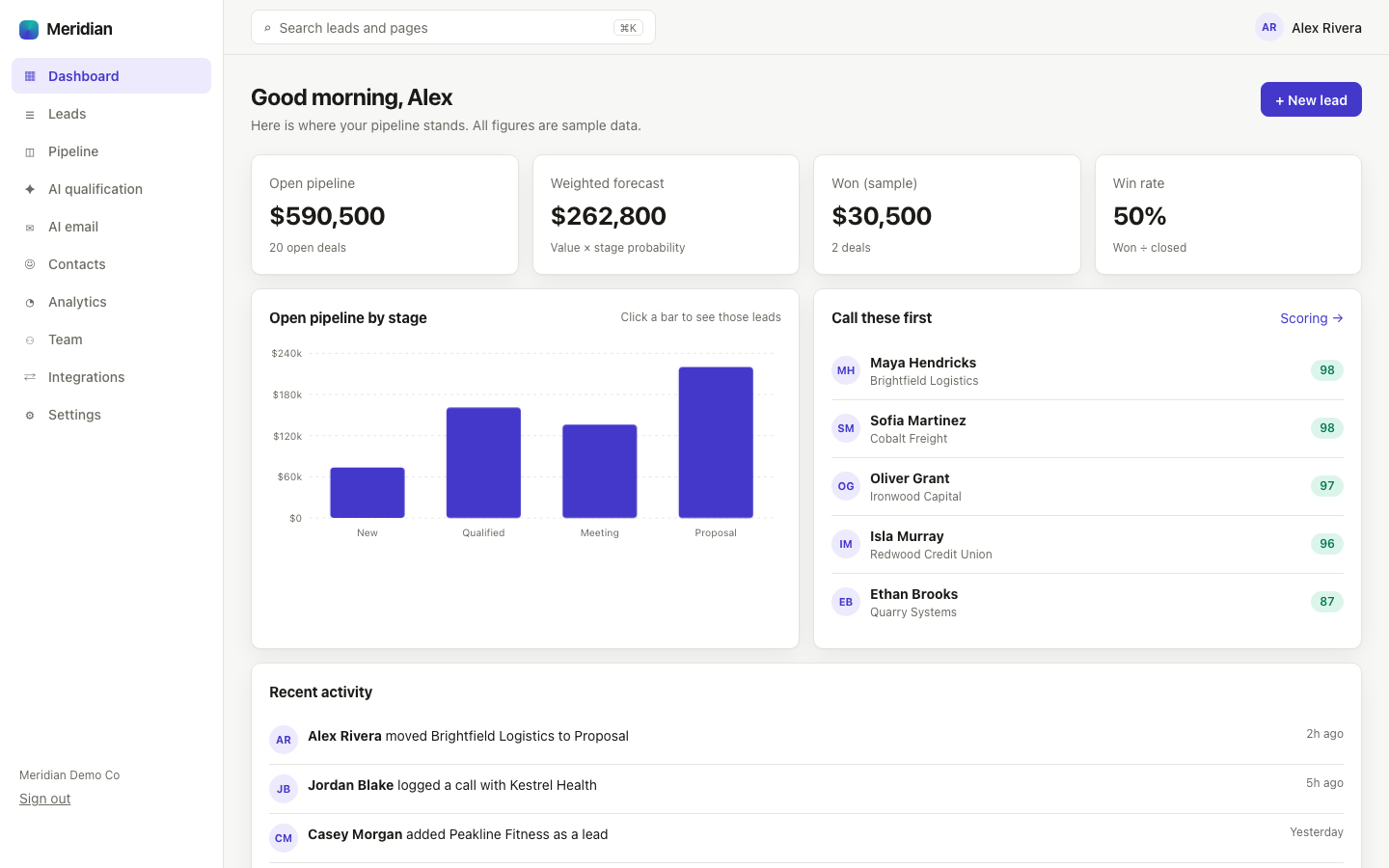
A CRM that scores every lead from rules you set, drafts the follow-up, and shows a forecast you can defend.
View case study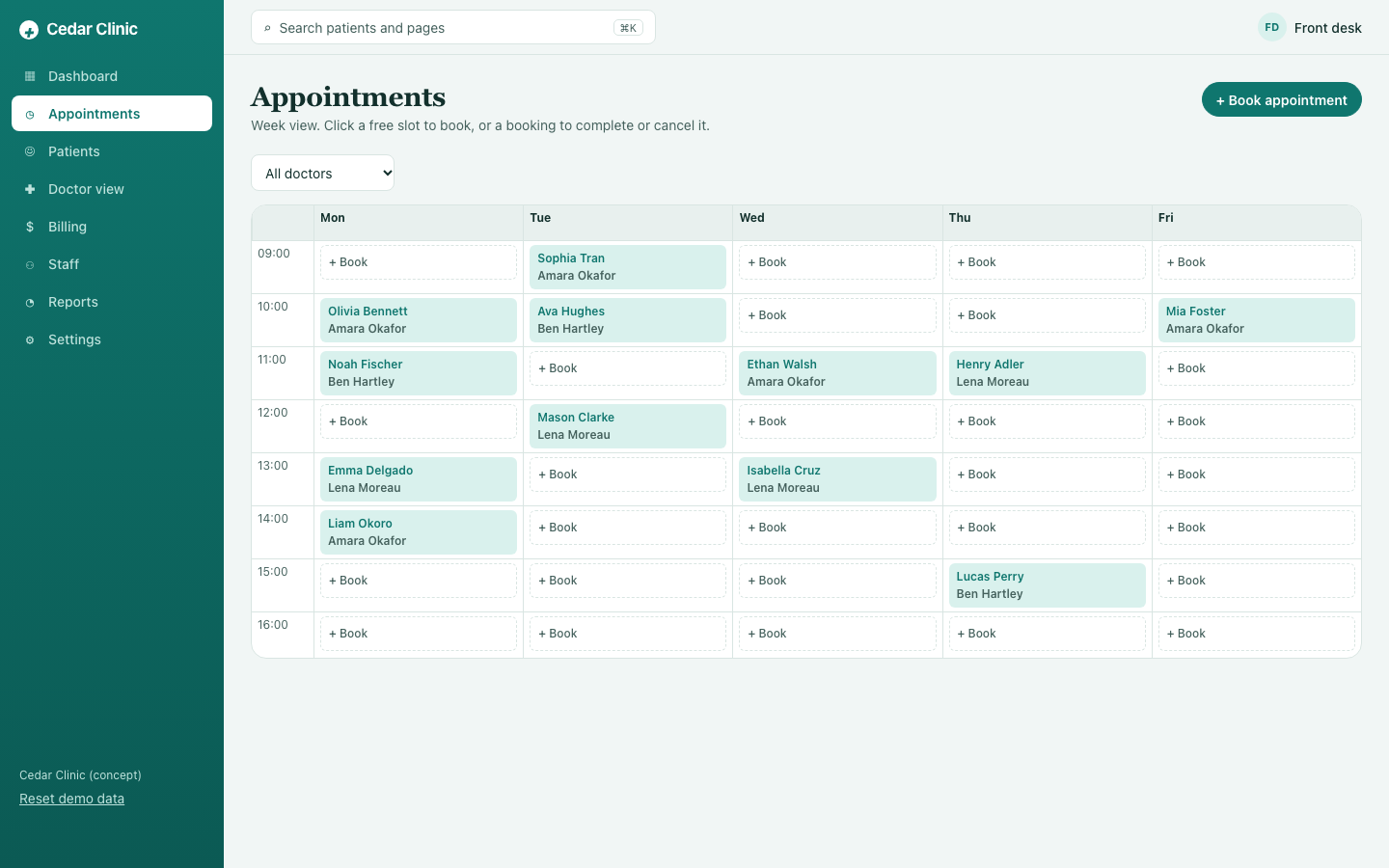
One place for appointments, records, prescriptions and billing, with safety checks built into the daily work.
View case study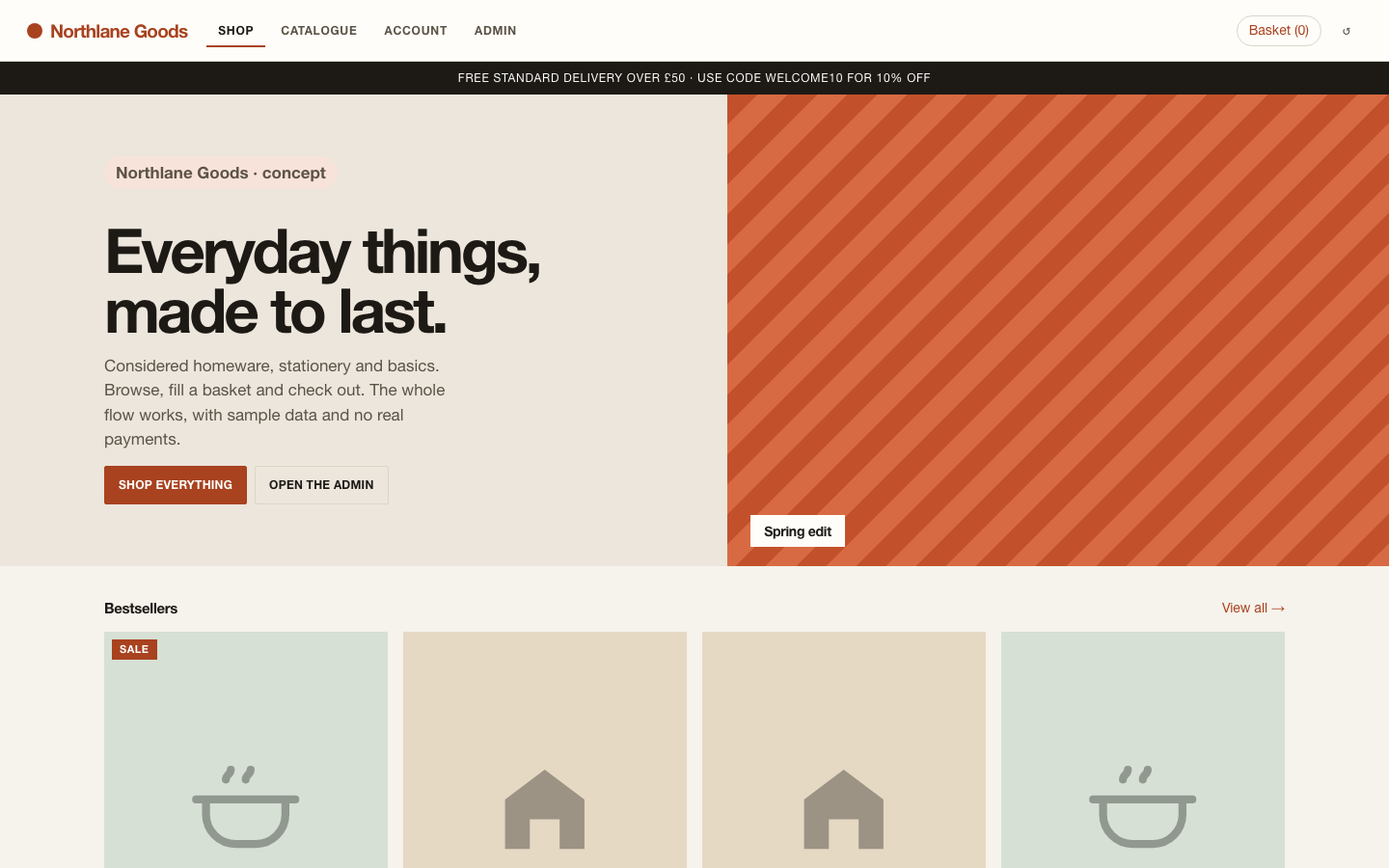
A storefront with a working basket, discount codes and checkout, plus the admin that runs stock, orders and sales.
View case study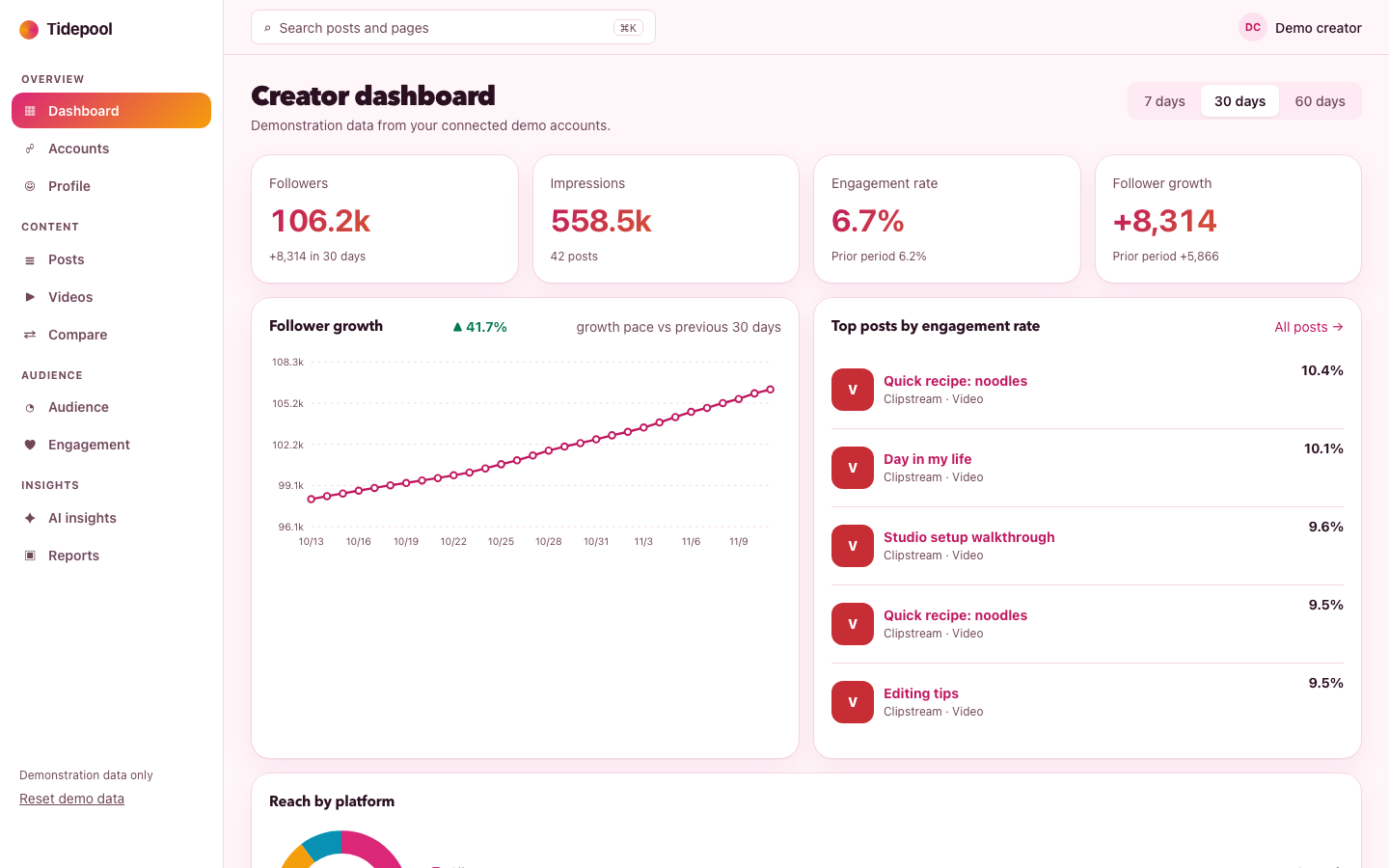
One dashboard for every platform a creator posts on, with post-level analytics, comparisons, evidence-based insights and shareable reports.
View case studyStart with a two-week trial sprint.
It depends on the tools and how good their APIs are, so your written plan gives a timeline for your exact setup. You see the first connection on a preview as soon as it works.
We look for webhooks, scheduled exports or a database connection, and build middleware around what we find. If a link isn't workable, your plan says so plainly.
We do, inside your monthly plan. Logging and alerts tell us when a vendor changes something, so we can fix it before you notice.
Credentials stay in your accounts, and each integration only gets the access it needs. Every connection is documented, so you can see exactly what moves where.